Cutbank Storage
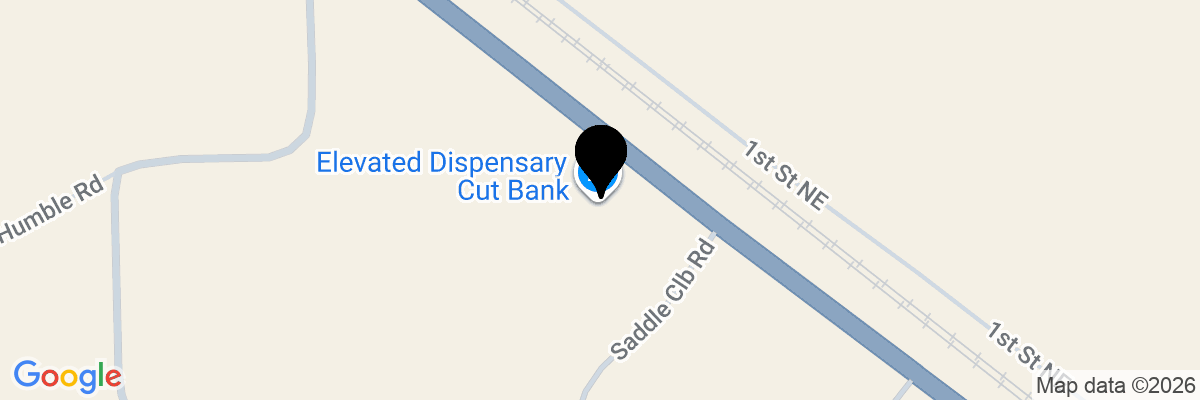
25694 US Hwy 2Cutbank, MT 59427
Facility Features
- Fully fenced and gated facility
- Keypad Gate Entry
- Driveway access / park nearby
- 24-Hour Kiosk
- Online Rental & Bill Pay
Storage Units in Cut Bank, MT, on US Route 2
Welcome to Cutbank Storage, your premier choice for self storage in Cut Bank, MT. Managed by the professionals at ABC Self Storage Cut Bank, we provide a clean, secure, and highly accessible environment for all your personal and business belongings. Whether you are transitioning to a new home or need extra space for commercial inventory, our facility on Hwy 2 offers the flexibility and peace of mind you deserve.
Advanced Security and Convenient Amenities
At Cutbank Storage, we prioritize the safety of your items. Our facility is designed with modern security features and user-friendly amenities to ensure a seamless rental experience from start to finish. When you choose us, you are choosing a partner dedicated to protecting your property in the area.
- Secure Perimeter: Our facility is fully fenced and gated, creating a controlled environment for your peace of mind.
- Keypad Gate Entry: Only authorized tenants can enter the premises using unique access codes, ensuring secure storage.
- 24-Hour Kiosk: Our on-site 24 hour storage kiosk allows you to rent a unit, sign your lease, and move in whenever it fits your schedule—day or night.
- Digital Account Management: Enjoy the convenience of online rental and bill pay options, allowing you to manage your storage unit from your smartphone or computer.
- Drive-Up Access: Our wide driveways allow you to park your vehicle directly at your unit door, making the loading and unloading of heavy furniture or equipment effortless.
Strategic Location and Easy Access
Conveniently located directly along U.S. Route 2, Cutbank Storage is the ideal stop for residents and the surrounding rural communities. Our position on this major transit route makes us a perfect choice for local businesses that need quick access to their inventory or tools. Whether you are coming from the heart of town or traveling across the county, our units are easily accessible and ready for your arrival.
📱 Smart Access (Noke App) – Electronic Key to your unit
Step 1: Rent Your Unit
Reserve your unit online at www.abc-self-storage.com or at the kiosk on-site.
Step 2: Check Your Email
Your Rental Receipt email will include:
- Unit number
- Gate access code
- Any required rental documents (if you did not complete online or at kiosk)
Step 3: Download the Storage Smart Entry App
For Apple, Download HERE
For Android, Download HERE
Use the same email address and phone number you used when renting your unit.
Step 4: Access Your Unit
- Open the Storage Smart Entry app.
- Enable Bluetooth on your phone.
- For further instructions on enabling Bluetooth on your device, please click here: link
- Use the app to open the gate and unlock your unit. You must be at your unit to be within proximity for it to work.
🔑 Lock & Key Access
Step 1: Rent Your Unit
Reserve your unit online at www.abc-self-storage.com or at the kiosk on-site.
Step 2: Check Your Email
Your Rental Receipt email will include:
- Unit number
- Gate access code (if applicable)
- Any required rental documents (if you did not complete online or at kiosk)
Step 3: Pick Up Your Lock & Keys
A lock and key will be provided on-site at the Kiosk. The kiosk will drop the lock and key in a box that you can access once you’ve completed your reservation.
Step 4: Move In
Locate your unit, unlock it, move your belongings in, and secure the unit with your lock.